Game Management
Manage Existing Games
-
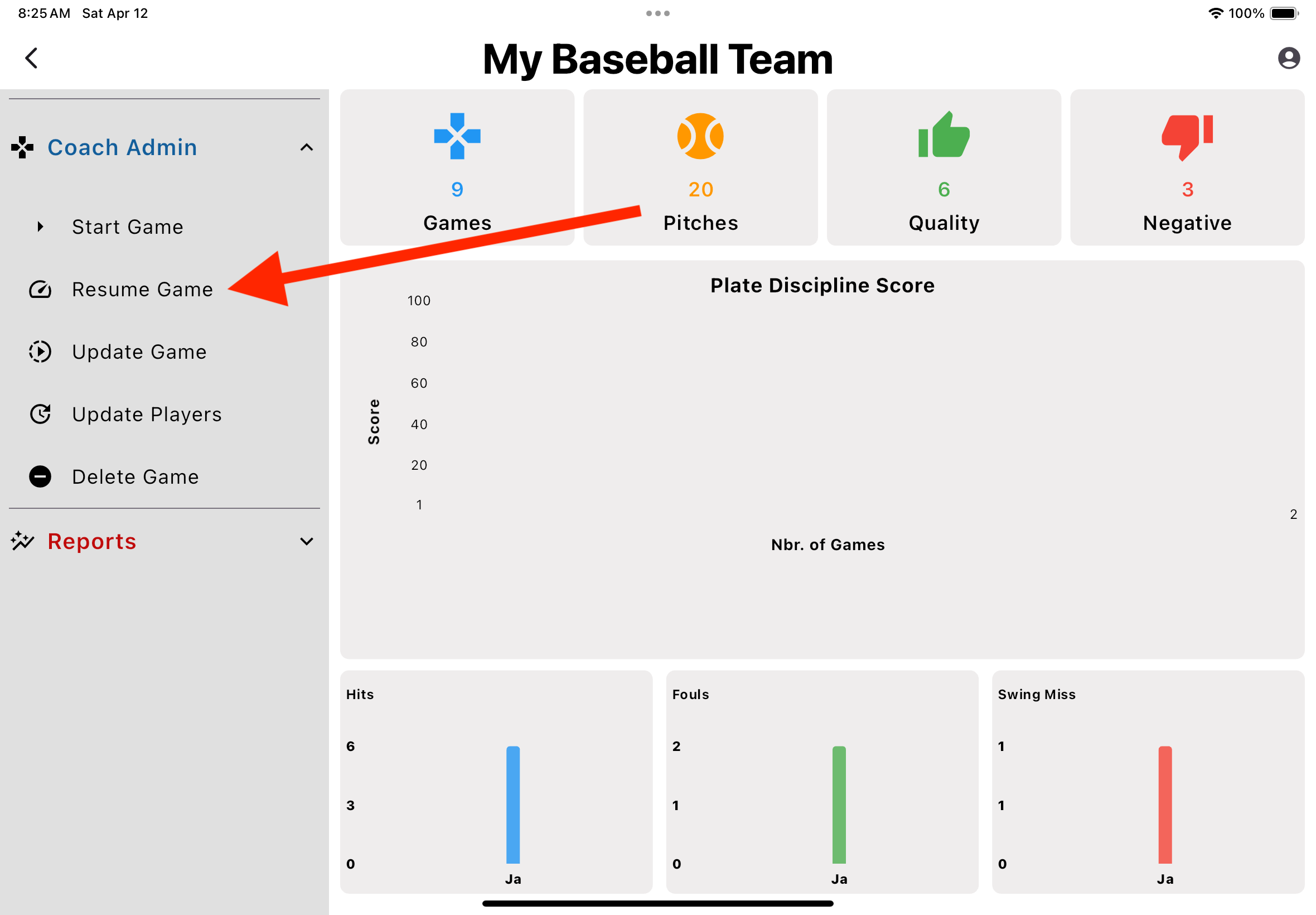
Resume Game
- 1. From the Dashboard, open the 'Coach Admin' section and select 'Resume Game'
- 2. Select the proper game from the dropdown list
-
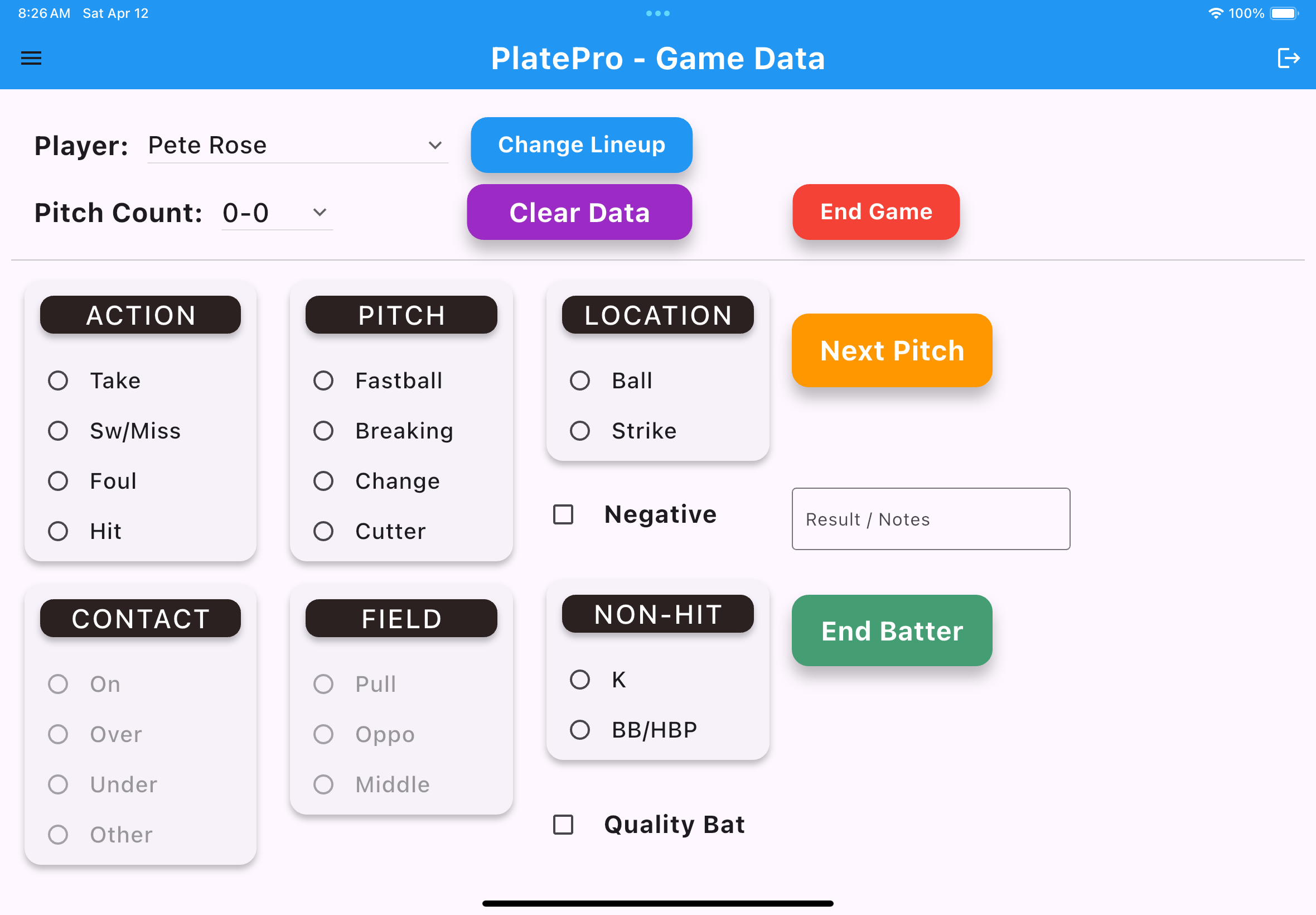
Batting Page
- 1. Start saving batting data
-
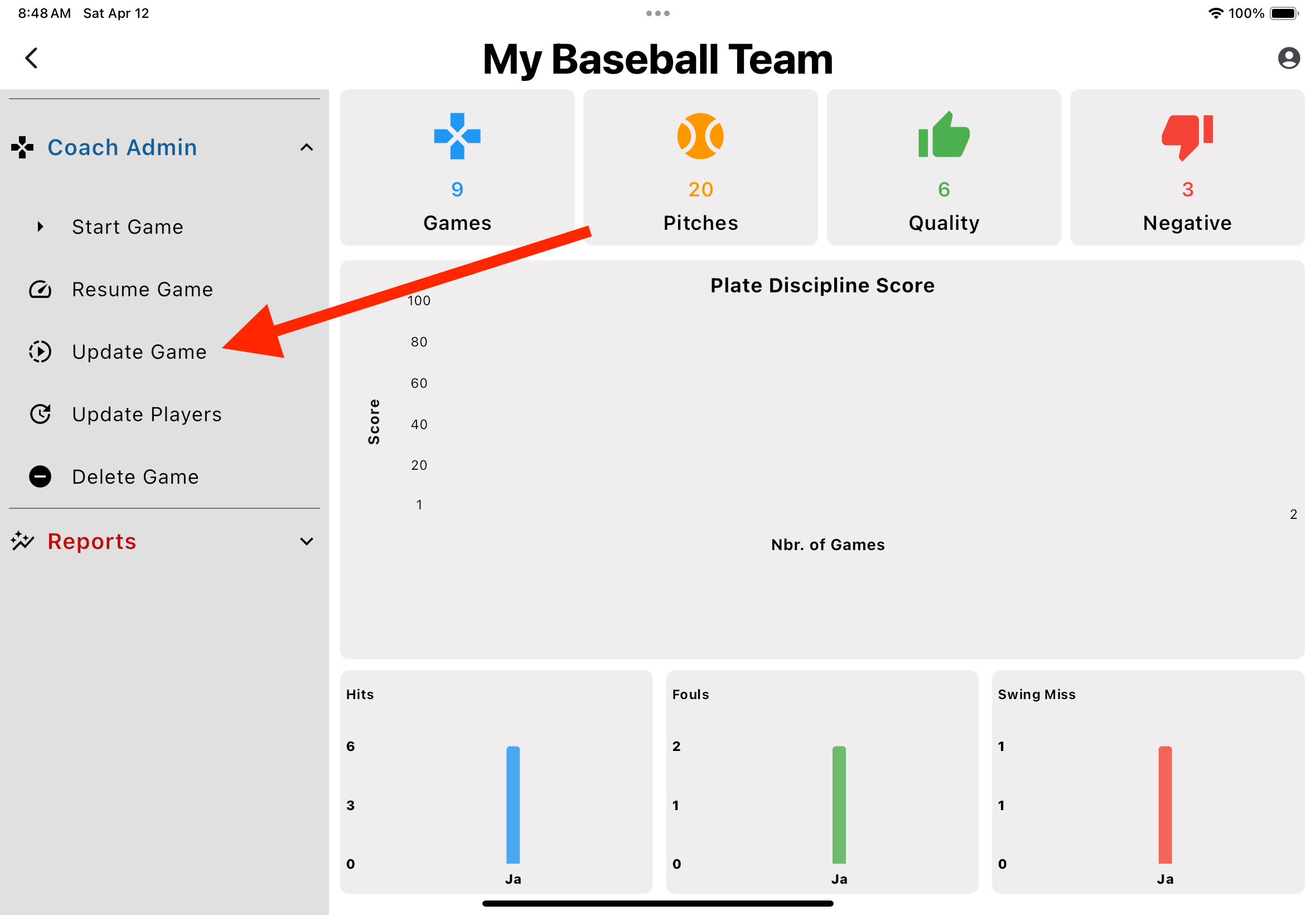
Update Game
- 1. From the Dashboard, open the 'Coach Admin' section and select 'Update Game'
-
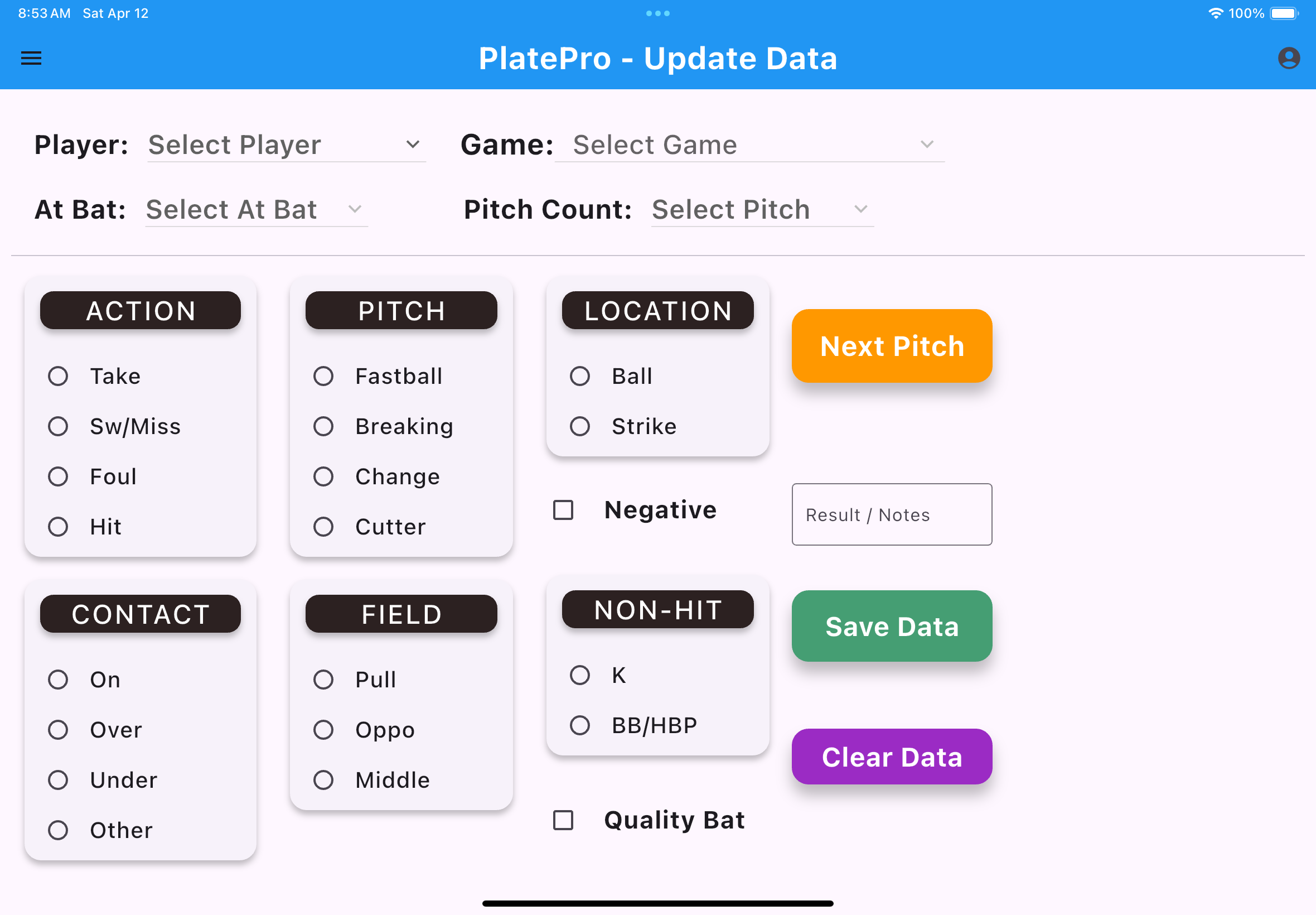
Batting Page
- 1. Select the player and game you wish to update