Starting A Game
-
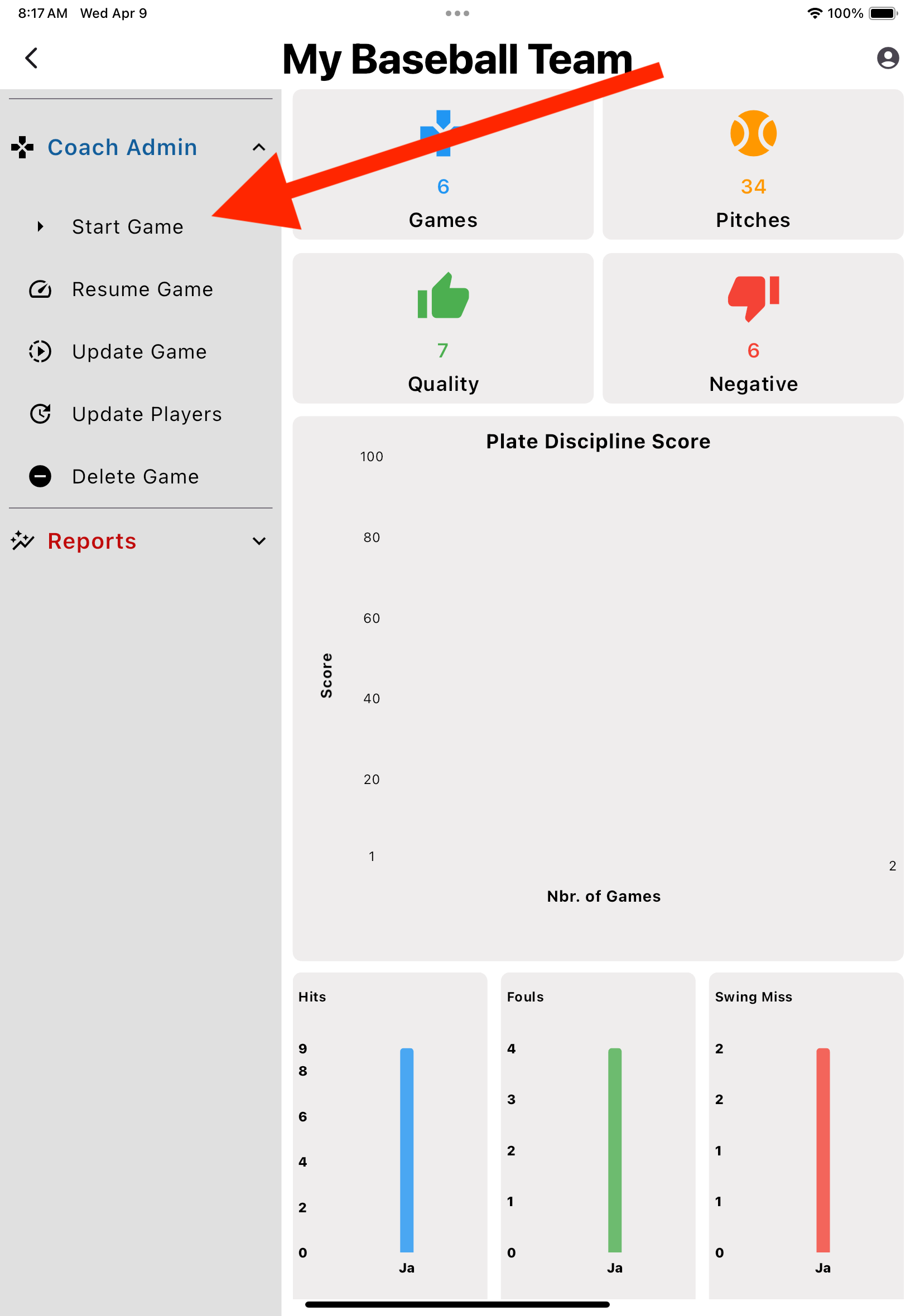
Start A Game
- 1. From the Dashboard, open the 'Coach Admin' section and select 'Start Game'
-
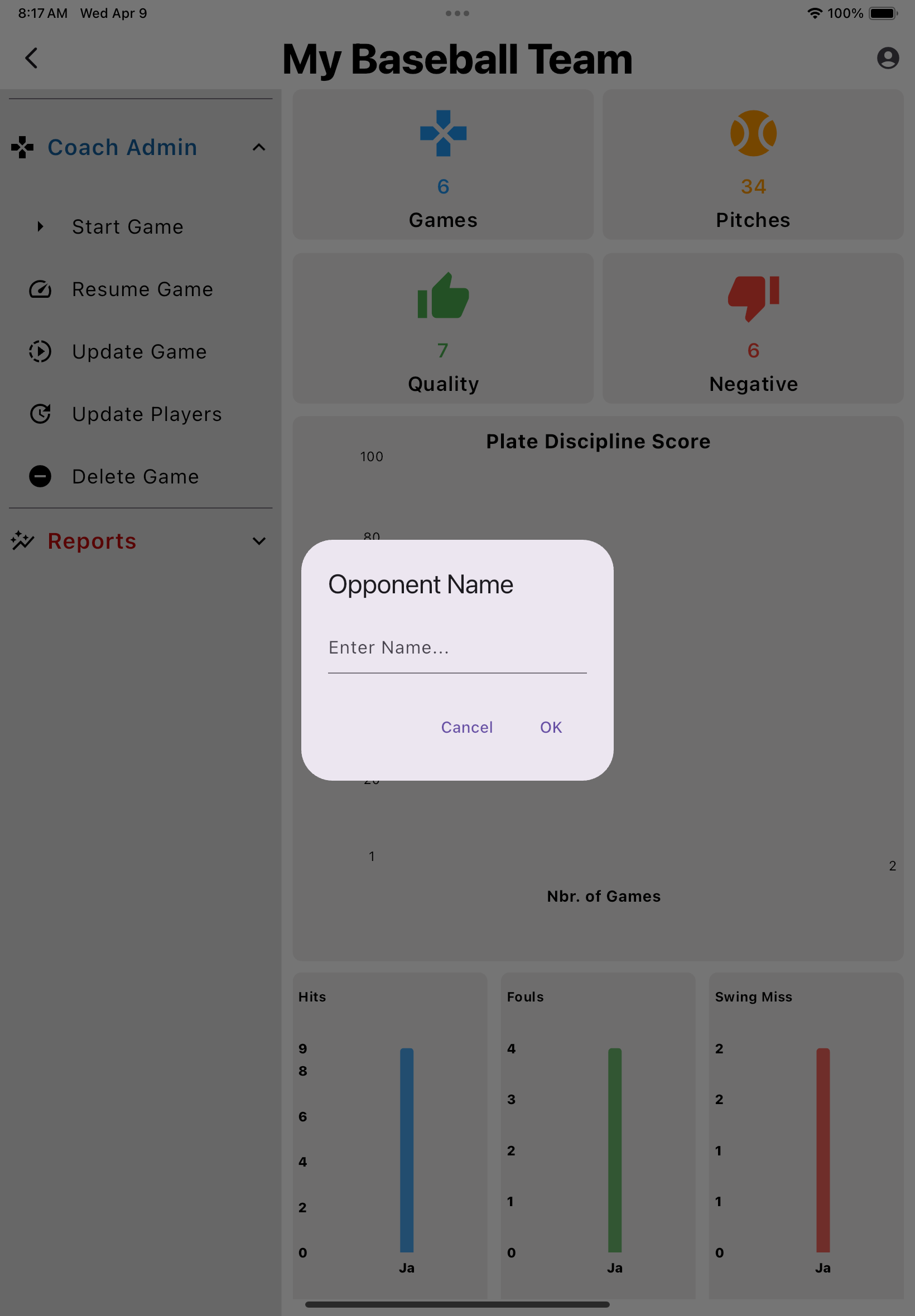
Enter Opponent Name
-
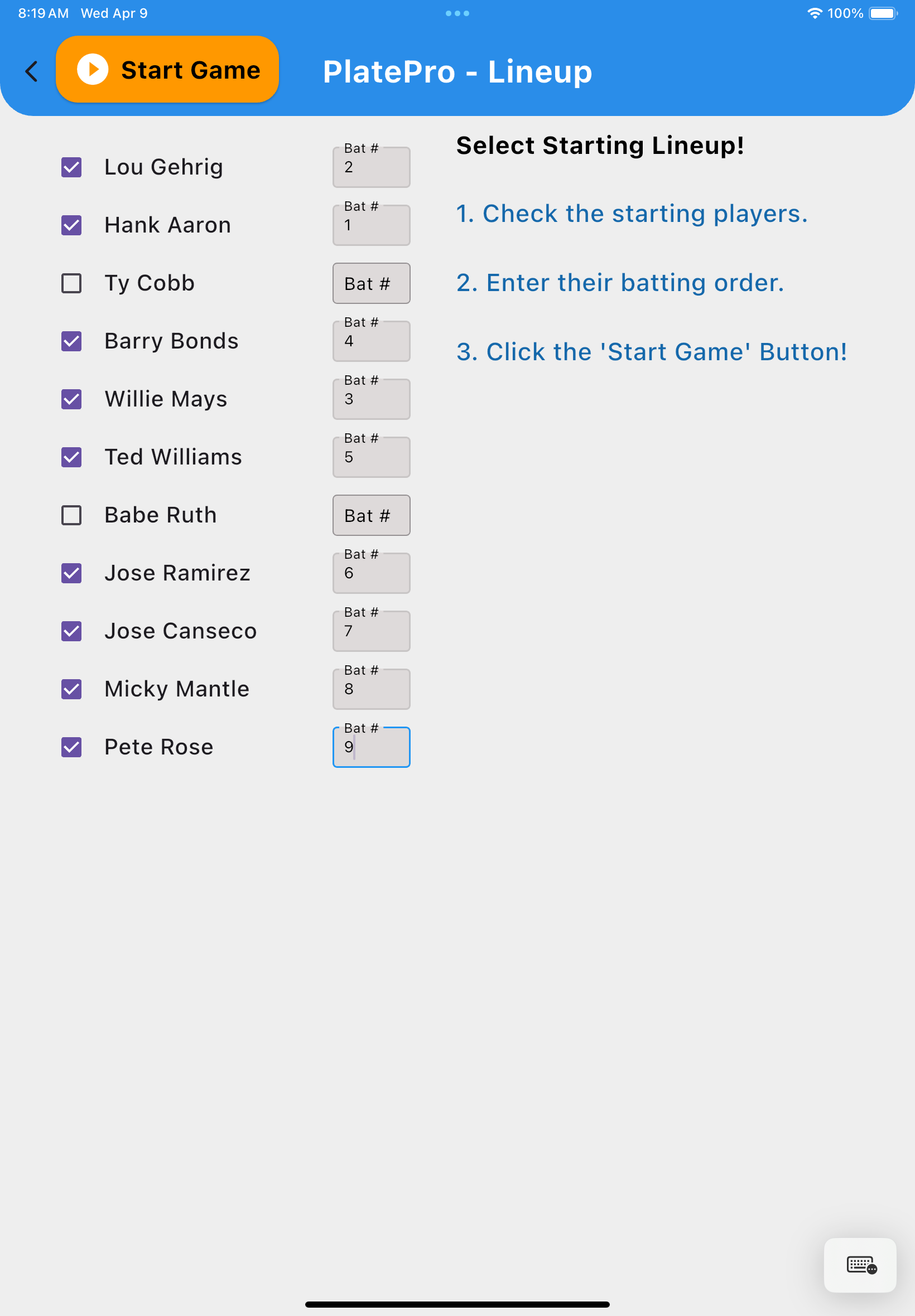
Select Batting Order
- 1. Select the checkboxes of the batters you choose to play
- 2. Enter the proper batting order number for each player
- 3. Select 'Start Game'
-
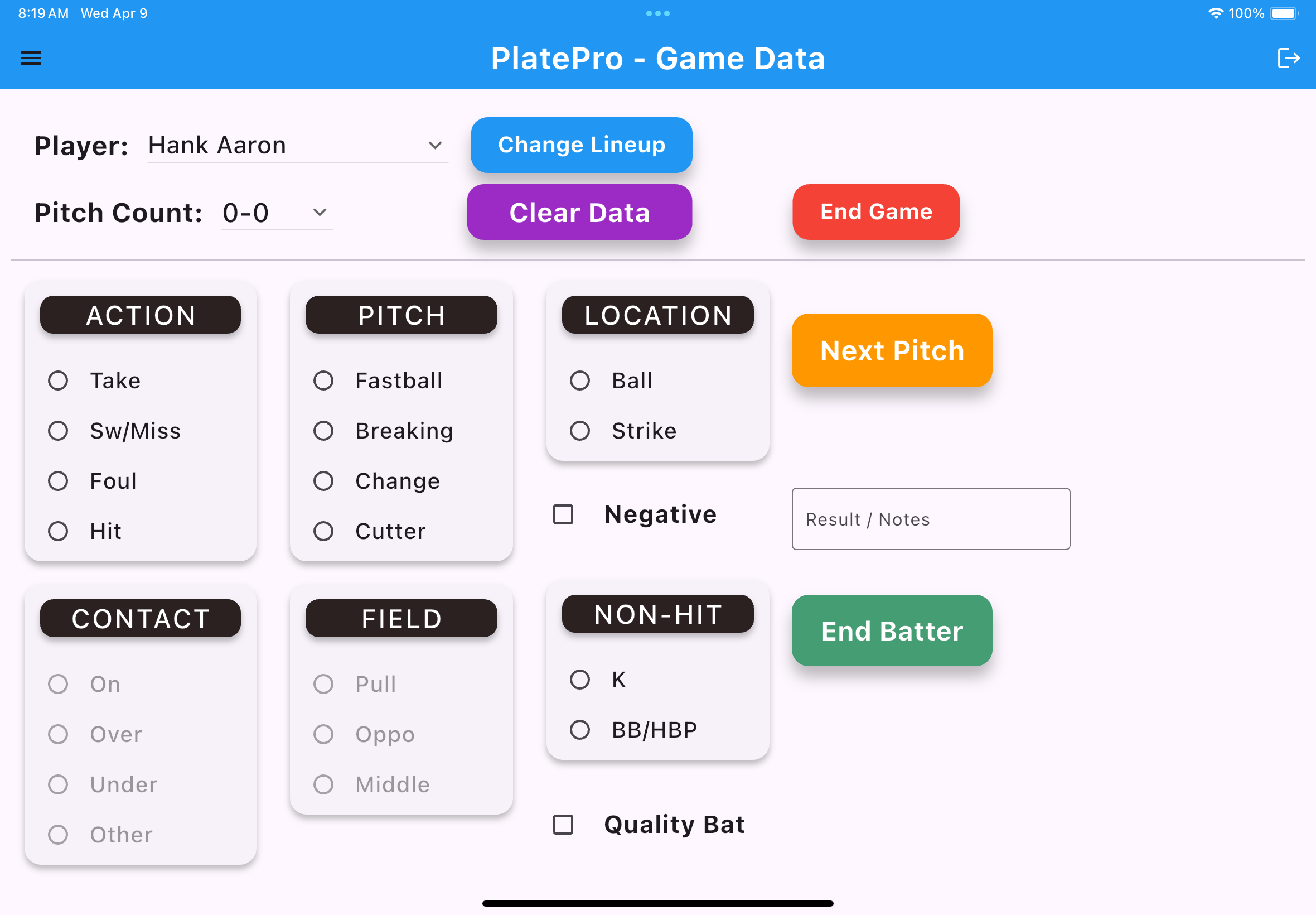
Enter Batting Data
- 1. Select the radio buttons that match the details for each pitch
- 2. Select the 'Negative' or 'Quality' check box if you feel it applies
- 3. Enter additional 'Result/Notes' as needed
- 4. Select 'Next Pitch' - The 'Pitch Count' auto advances
-
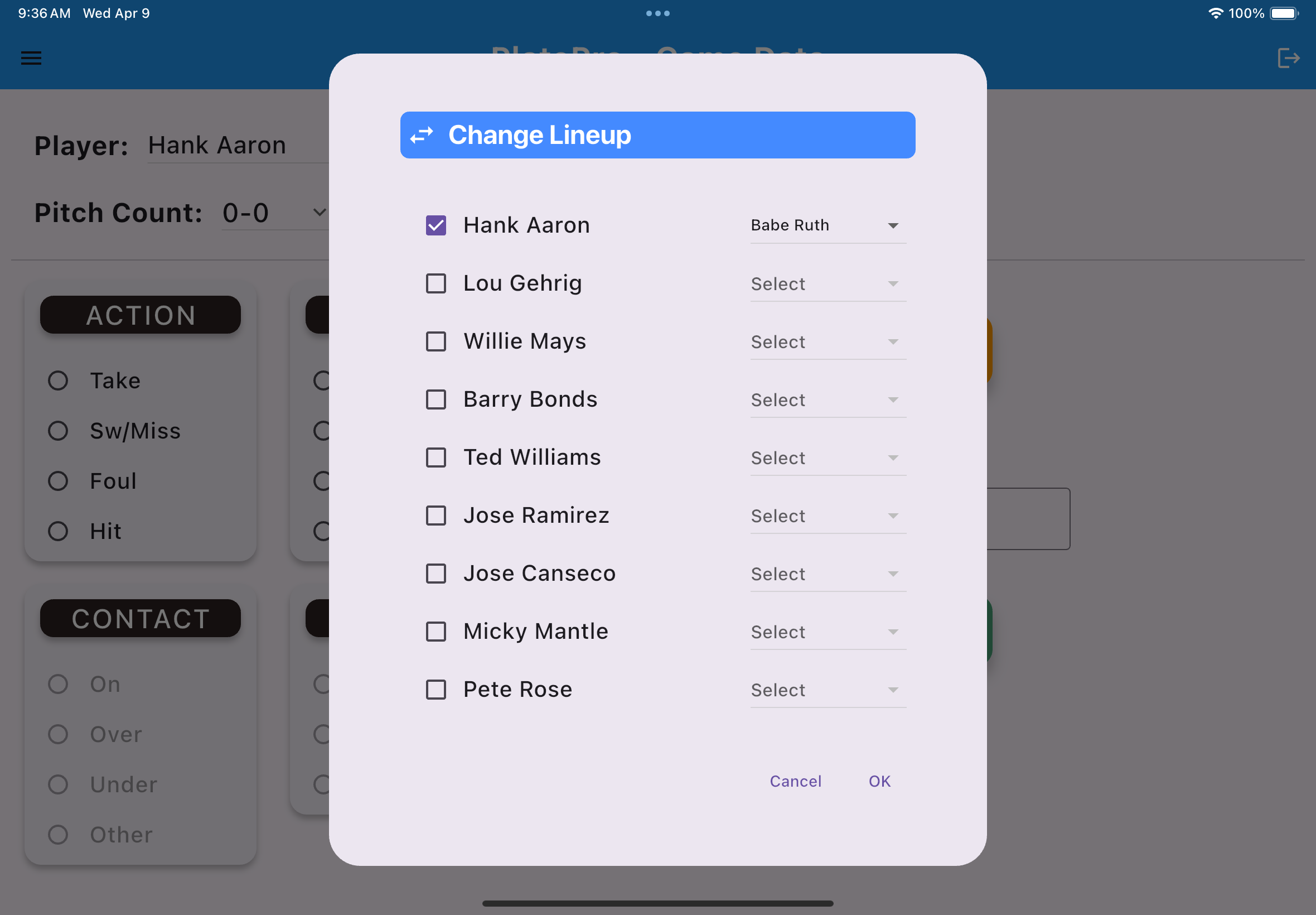
Change Lineup
- 1. Select the 'Change Lineup' button
- 2. Select the checkbox next to the player you want to substitue
- 3. Select the player in the dropdown you want to replace with
- 4. Select 'OK' to return to the batting page
-
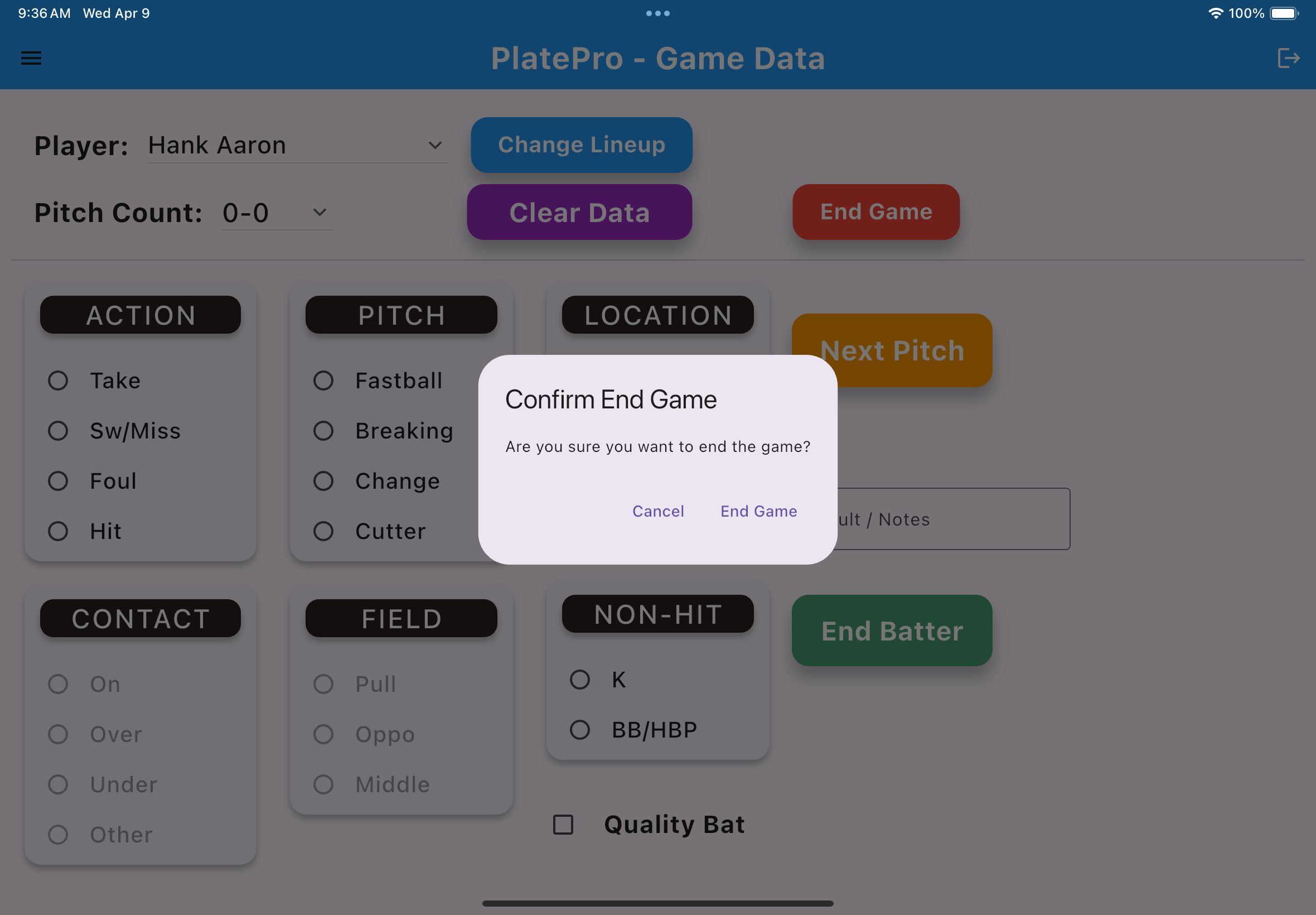
End Game
- 1. Select the 'End Game' button
- 2. Confirm you want to end the current game